Nothing works together.
Every tool you use does its job. Together they leave you with scattered information, fragmented processes and a lot of moving parts held together by hand.
The problem
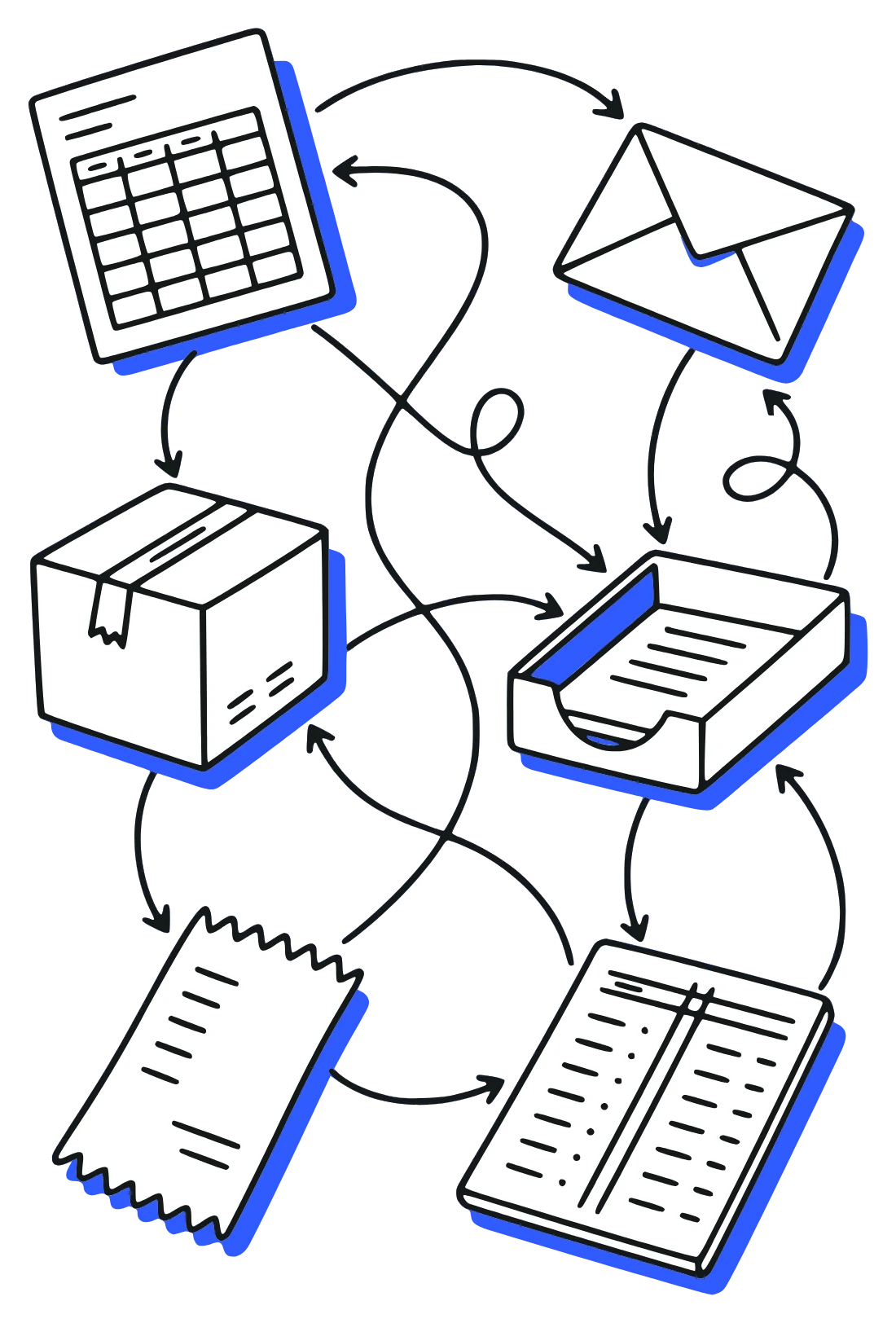
Scattered, fragmented, and held together by hand.
Orders get retyped. Spreadsheets get reconciled. A return sits on the shelf until someone does the paperwork. Each looks like a small problem. They all have one cause: your tools don’t share their information, so the moving parts never line up.
How we fix it
From scattered tools to one system, then AI.
We don’t stop at connecting the pieces. Each step builds on the one before, and you can start with whichever fits where you are today.

1Connect
Make your tools work together.
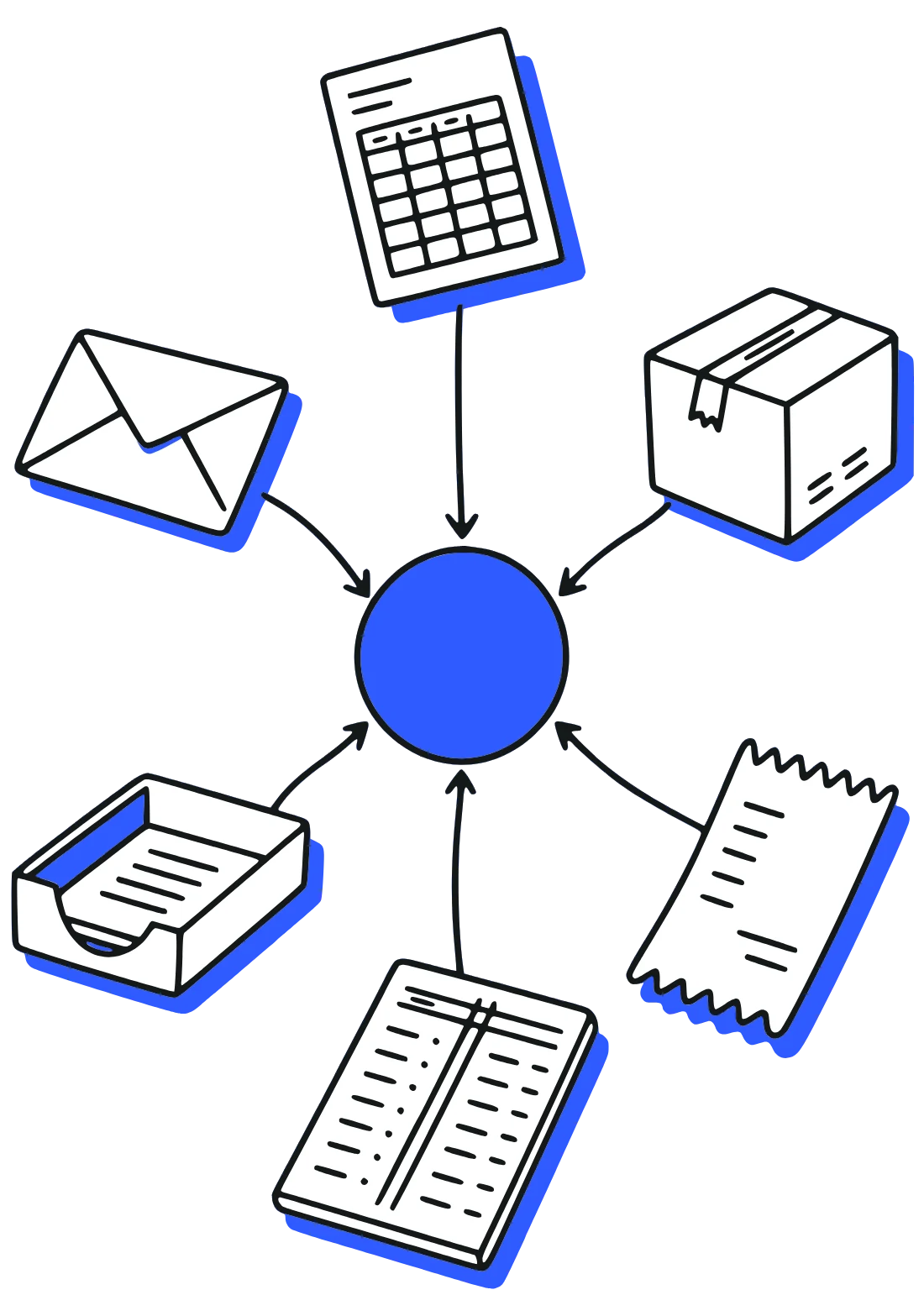
We link your store, accounts, CRM and the rest, so information is entered once and every tool stays up to date.
- Systems kept in step, nothing retyped
- Routine steps automated
- Custom tools where nothing fits
2One system
Bring it all into Odoo.
When connecting isn’t enough, we move the business onto one central system. We specialize in Odoo: selling, stock, production, the accounts and your team, on the same records.
- Set up around how you work
- Your old data moved over
- Your team trained on it

3AI
Put AI to work on all of it.
With everything in one place, AI can see the whole business and do real work for you, with you signing off on anything important.
- Customers answered from real orders
- Quotes from your real prices
- Overdue work chased
Why it matters for AI
One system gives AI the whole picture.
Want to move into AI but not sure where to start? Start with your business in one place. AI is only as useful as the information it can reach. Spread across a dozen tools, it sees scraps. In one system, it sees all of it.
So it can answer a customer from the real order, quote from your real prices and chase what’s overdue, and it checks with you before anything important goes out.
Good morning. You have 4 new emails, and one is waiting for a quote.
What else needs my attention?
Two new orders came in overnight, and one invoice is ten days overdue.
Chase anything overdue.
✓ DoneReminder sent on the invoice ten days overdue, with the invoice attached.
What’s the quote request?
A returning customer wants 40 units. Last time, in March, they paid $42 a unit.
Quote them the same price.
✓ DoneQuote sent: 40 units at $42, $1,680 in total.
Research the three suppliers who quoted on packaging and compare them.
On it. I’ll let you know when it’s done.
Move my 3pm to Thursday and send everyone a Zoom link.
✓ DoneMoved to Thursday at 3. Zoom link sent to everyone, and it’s on your calendar.
A customer emailed asking where their order is.
✓ DoneReplied: it arrives tomorrow between 10 and 12, with the tracking link.
✓ DoneSupplier research is finished. The cheapest delivers in ten days; the fastest costs 6% more. The comparison is in your shared folder.
Tell the warehouse to reorder packaging by Wednesday.
✓ DoneTask added for the warehouse, due Wednesday.
Find the customers who haven’t reordered since spring.
On it. I’ll let you know when it’s done.
The supplier call just ended.
✓ DoneNotes saved, three tasks assigned, follow-up sent.
✓ DoneFound 14 customers who haven’t reordered since spring. The list is in your CRM, with a follow-up drafted for each.
Draft the invoice for the finished job.
Ready: three items, $4,280.Send it
✓ DoneGreat, sent. It’s logged against the job.
Anything else today?
Two payments came in, both matched to their invoices.
Working with us
How a project goes.
First call
We start with a conversation.
You tell us what you run and what’s going wrong. The first call is about your business, not software.
The plan
We map it out.
Every system and manual step, then a plan you see and agree to before anything gets built.
Set up
We build it around you.
We connect and configure the systems so they fit the way you already work.
Go live
We get you going, and stay.
We train your team on their real work and stay on hand after it goes live.
Contact
Tell us what you’re running.
Tell us which software and spreadsheets you use, and what isn’t working. We’ll set up a call. If it looks like a fit, we’ll write up what we’d do, in what order, and what it would cost.
It doesn’t have to be a big project. One integration, one automation or one AI agent is a fine place to start.